





Do you have one in your glove compartment?
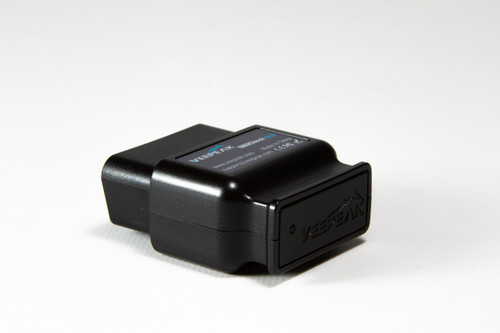
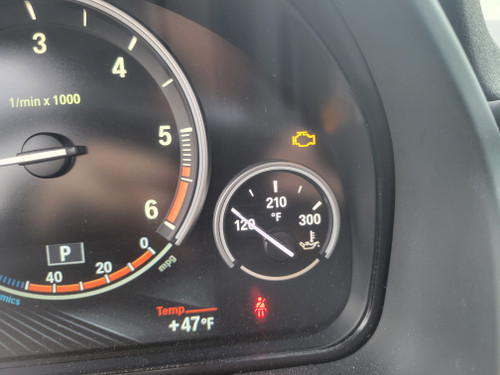
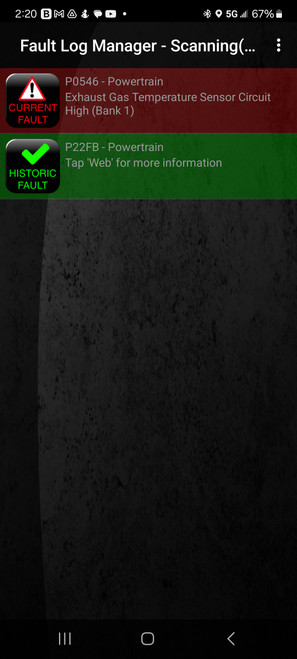
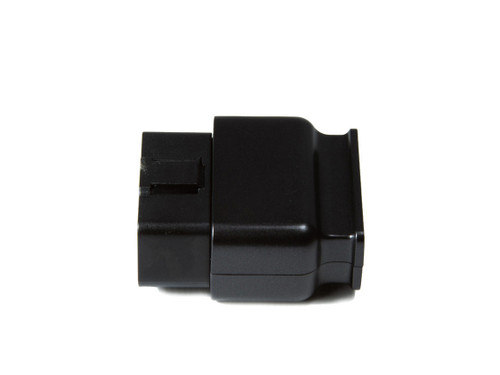
Don’t get caught unprepared in the event of an unexpected warning light. Does that blinking light on your dash spell disaster, or can you safely continue on your journey? Always have the answers right at your fingertips with the OBD Check BLE. Diagnose and solve common indicator warning lights at the tap of your finger. Utilizing the latest Bluetooth 4.0 technology and your car’s OBD II port, the OBD Check BLE is the perfect companion for your prized ride. Keep one in every car.

So compact, you might forget it’s there
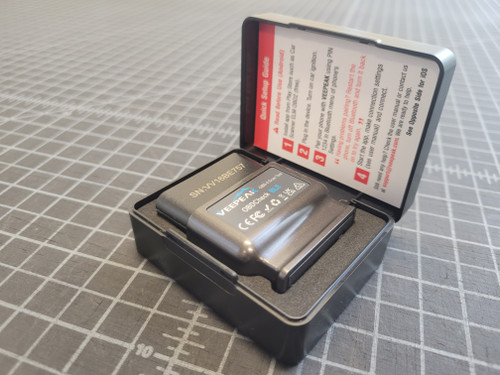
The “LE” in the OBD Check BLE stands for “low energy,” so no need to worry about draining your car’s battery leaving you stranded. Many users actually leave their OBD Check BLE plugged into their OBDII ports, so it’s always ready to go when it’s needed. Don’t want it there all the time? The OBD Check BLE comes with a hard plastic Veepeak branded case for easy storage that keeps your new tool safe.

Not a one-trick pony
The OBD Check BLE isn’t just useful for scanning and clearing check engine lights. Utilizing a number of available apps, the OBD Check BLE is also perfectly capable of measuring OBD live data streams. You can view multiple types of gauges that you can customize to your specific needs, and save data logs on the go for later reference. The OBD Check BLE is also particularly useful at monitoring your MPG’s and general fuel efficiency, as well as viewing engine sensor data. The possibilities are endless, and wireless.

Smartphone Apps
Depending on your make and model, you might need to use a specific app to properly connect to your phone and access the full capabilities of the OBD Check BLE. In most cases however, Veepeak recommends you use “Car Scanner ELM OBD” found on both the Apple App Store and Google Play Store for free.

Free Domestic Shipping
We ship orders every weekday. All orders placed by 2:00 pm PT will ship the same day. You will receive a shipping notification when we print the label for your order. The tracking will not indicate that the order has been shipped until it is picked up and scanned in by the carrier. Orders placed after 2:00 pm PT on Friday will ship on Monday.
Our Team is comprised of a small group of dedicated individuals who each pride themselves on providing their best work to our customers every day. We are all willing to go above and beyond for our customers to make sure they are happy with their entire shopping experience. If you need anything, please drop us a line at support@cravenspeed.com and we'd be happy to help you out. Our customer service team will usually get back to you within the hour during business hours.
Click here to meet the team!