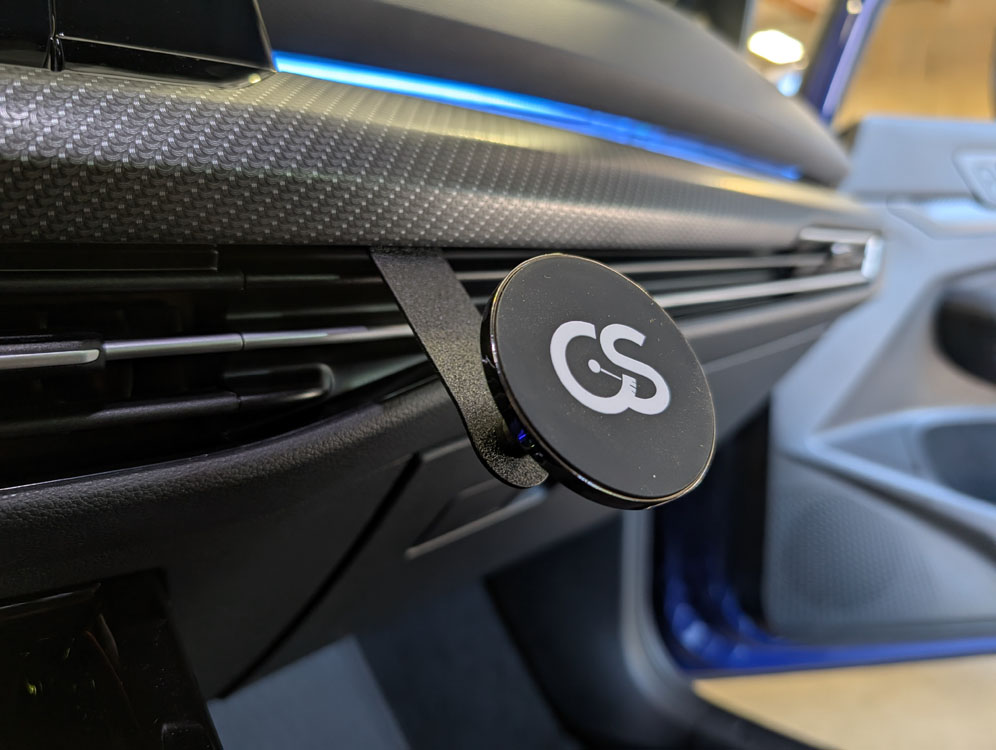
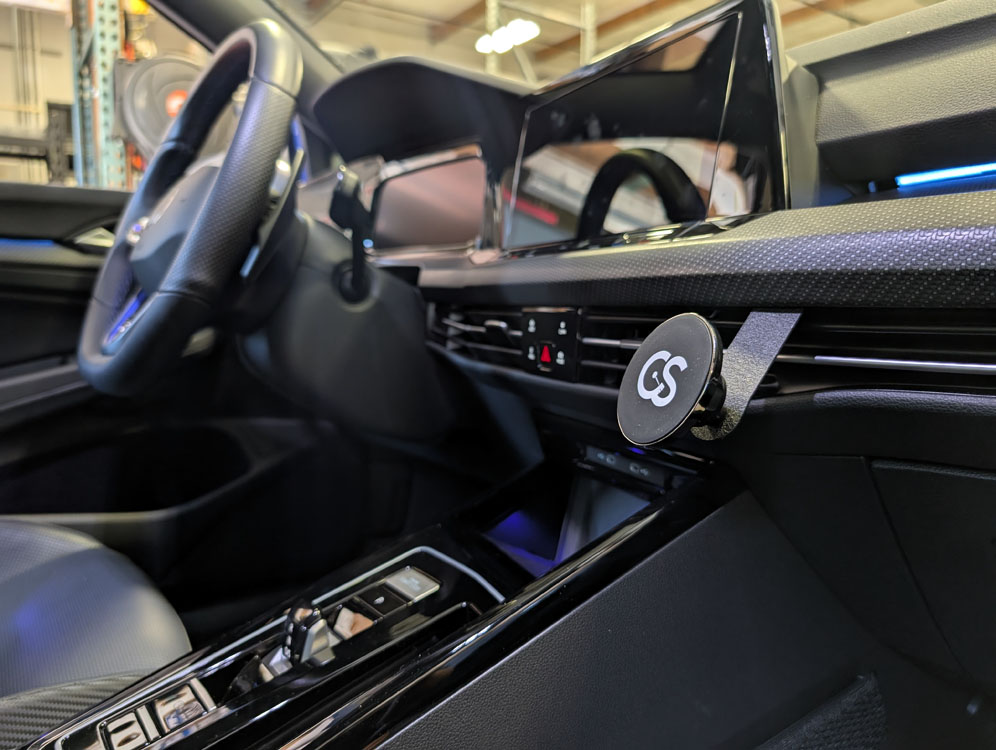
THANK YOU for purchasing the Gemini Phone Mount for Mk8 Golf from CravenSpeed. This product is made from the highest grade materials, and is guaranteed to be free from defects.
You can buy our CravenSpeed Gemini Phone Mount for Mk8 Golf here
Parts Included:
- 1x CravenSpeed Phone Mount Bracket
- 1x ¼-20 Button Head Screw
- 1x 17mm Ball Stud
- 1x MagSafe Base
- 1x Adhesive Ring
Tools Required:
- Trim Panel Removal Tool
The installation time for this product is approximately 5-10 minutes.
If you have any questions/or concerns about this installation, feel free to send us an email at support@cravenspeed.com . We are always happy to help.
Installation Process
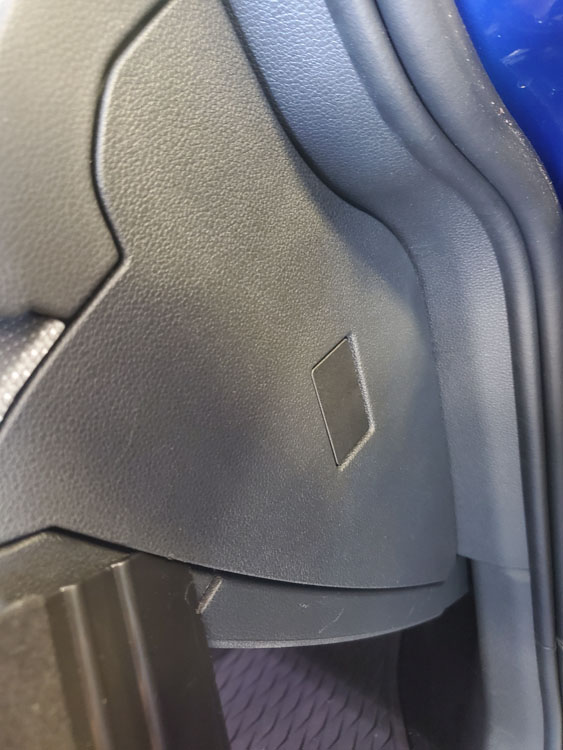
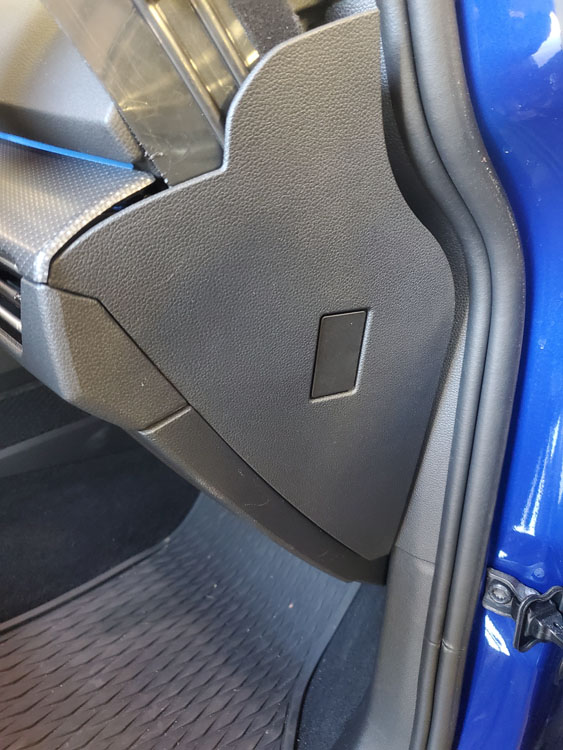
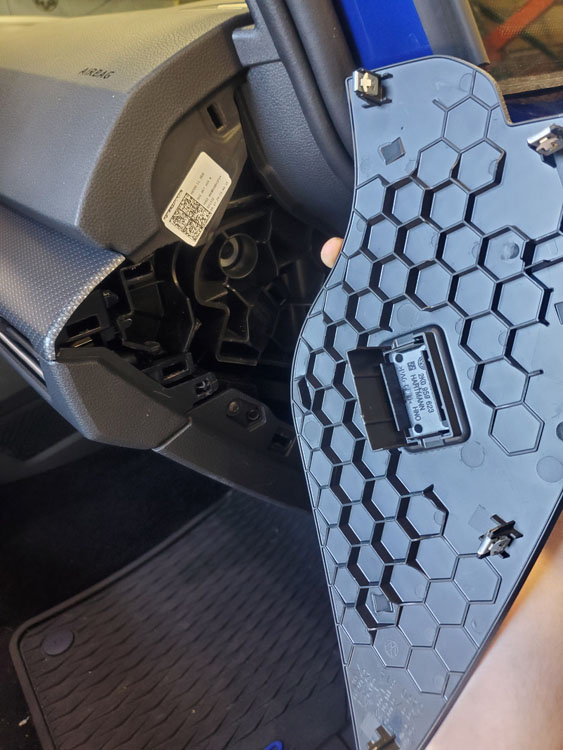
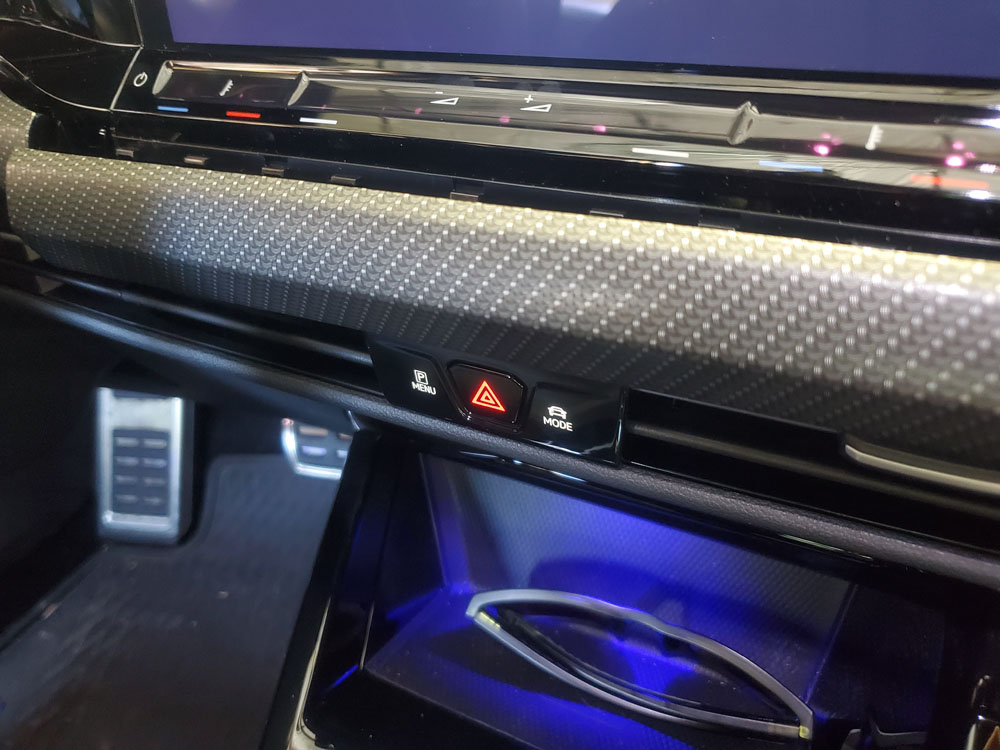
- The Mk8 Gemini Phone Mount is designed to be installed into the right side of the main dash, just next to the touchscreen. To begin the installation process, utilize a trim panel removal tool and pop off the panel on the right hand side of the dash, with the passenger door all the way open.
- Starting from the portion nearest the rear of the vehicle, slide downward to pop out the clips on the bottom, and then gently pry upward.
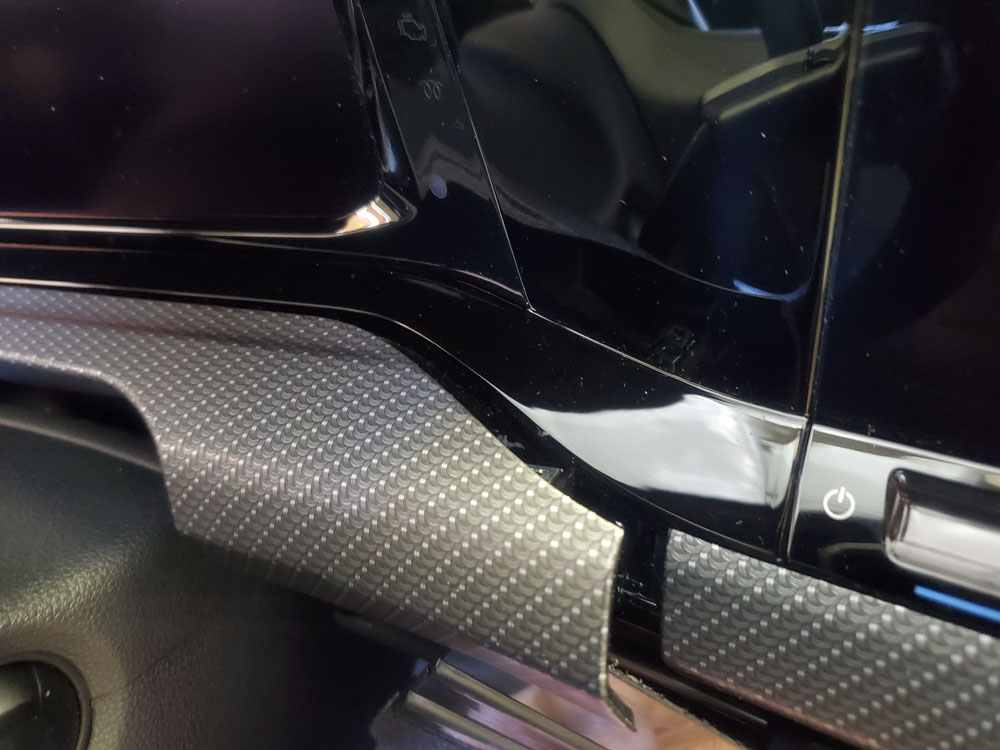
- Once the clips nearest the firewall are all released, pry gently at the remaining clip under the patterned dash piece from top and bottom to release it.
- Once this panel is removed, pull out the right hand side of the dash piece just above the steering wheel to access the main panel.
- With access to the main piece, use the trim removal tool to start pulling away the panel, from the left hand side, working your way right.
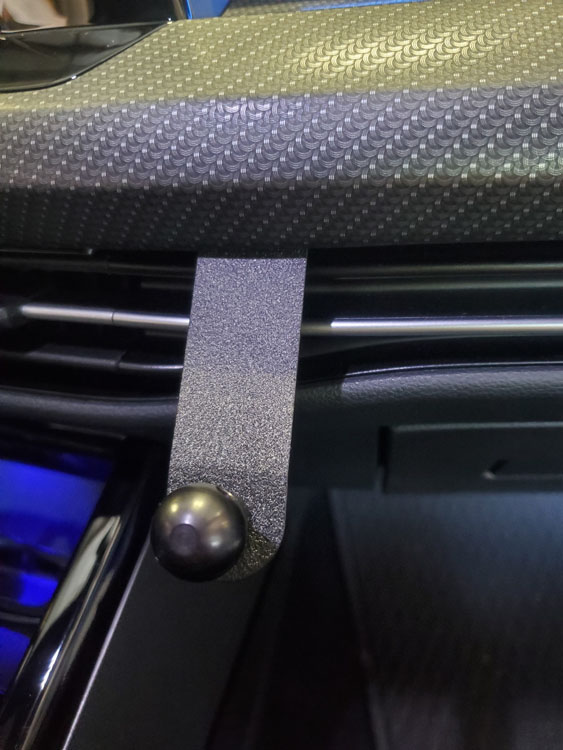
- Once you have the panel removed, install the bracket over the appropriate clip on the panel, and reinstall it.
That's all there is to it! Congrats on your installation!